Introduction
Online payments have become part of everyday life. From paying electricity bills and mobile recharges to shopping online and sending money via UPI, digital payments are fast and convenient. However, this convenience has also attracted scammers and cybercriminals.
Every day, thousands of users lose money due to fake calls, phishing links, UPI collect scams, and fraudulent payment requests. Most victims are not careless—they simply don’t know how these scams work.
This beginner-friendly guide explains safe online payments and UPI security using real-life scenarios, so you can confidently make digital payments without fear in 2025.
1. Why Online Payment Security Is Extremely Important
Real Scenario
A user receives a call claiming to be from bank support and shares an OTP. Within minutes, money is debited from the account.
Risks of Unsafe Payments:
Financial loss
Identity theft
Unauthorized transactions
Stress and recovery issues
Online payment security is not optional—it’s essential for everyone using UPI, cards, or internet banking.
2. Understanding UPI – How It Actually Works
What Is UPI?
UPI (Unified Payments Interface) allows instant money transfer between bank accounts using:
- Mobile number
- UPI ID
- QR code
Important Rule (Most Users Don’t Know)
Money can only be debited when YOU enter the UPI PIN.
No one can take money using:
- UPI ID alone
- Mobile number alone
- QR code scan alone
3. Most Common UPI Scams You Must Know
3.1 Fake “Money Received” Request Scam
Real Scenario
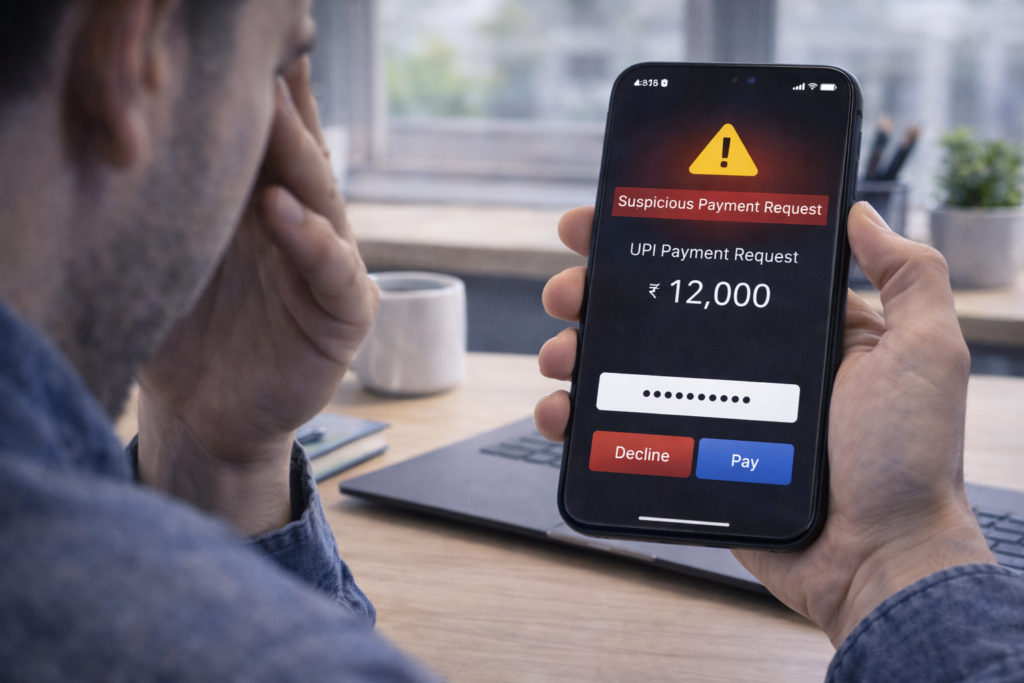
You receive a UPI request saying “₹5,000 received.” When you click it, it actually asks for payment.
Protection:
Read carefully before entering PIN
Remember: Entering PIN means paying, not receiving
3.2 Fake Customer Support Calls
Real Scenario
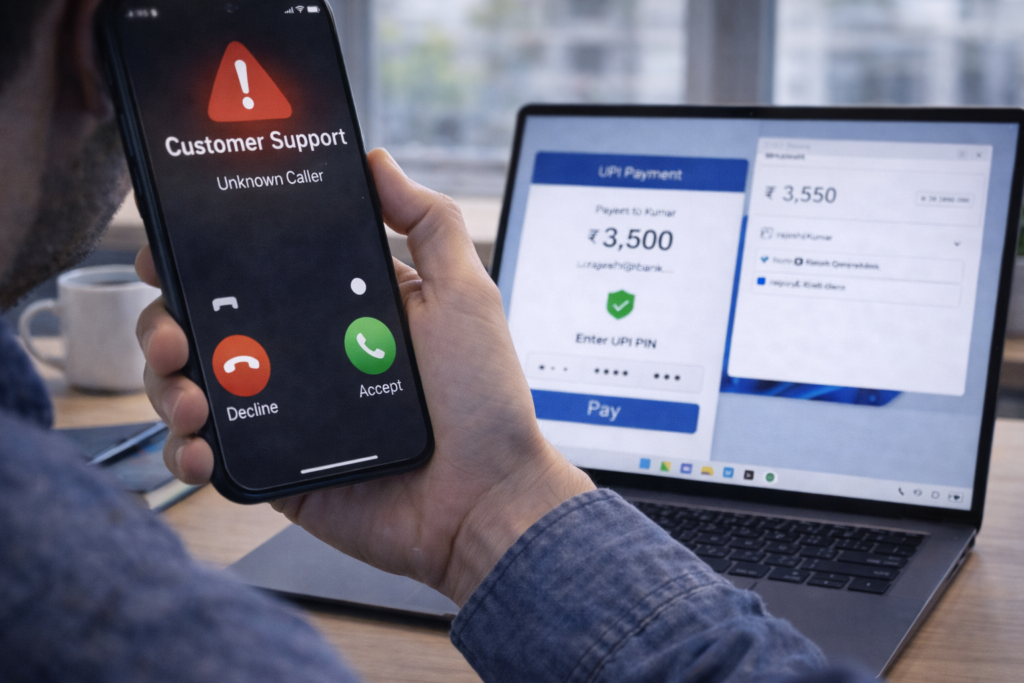
Caller claims to fix UPI issues and asks you to approve a request.
Truth:
Banks and apps NEVER ask for PIN or OTP
Hang up immediately.
3.3 QR Code Scam
Real Scenario
Scammer asks you to scan a QR code to “receive” money.
Reality:
Scanning QR code is ONLY for paying, not receiving
Never scan QR codes sent by unknown people.
4. Safe UPI Usage Rules (Golden Rules)
- Never share UPI PIN
- Never approve unknown requests
- Check name before paying
- Avoid urgent pressure payments
- Use official apps only
If it feels rushed or threatening, it’s likely a scam.
5. Safe Online Card Payment Practices
Real Scenario
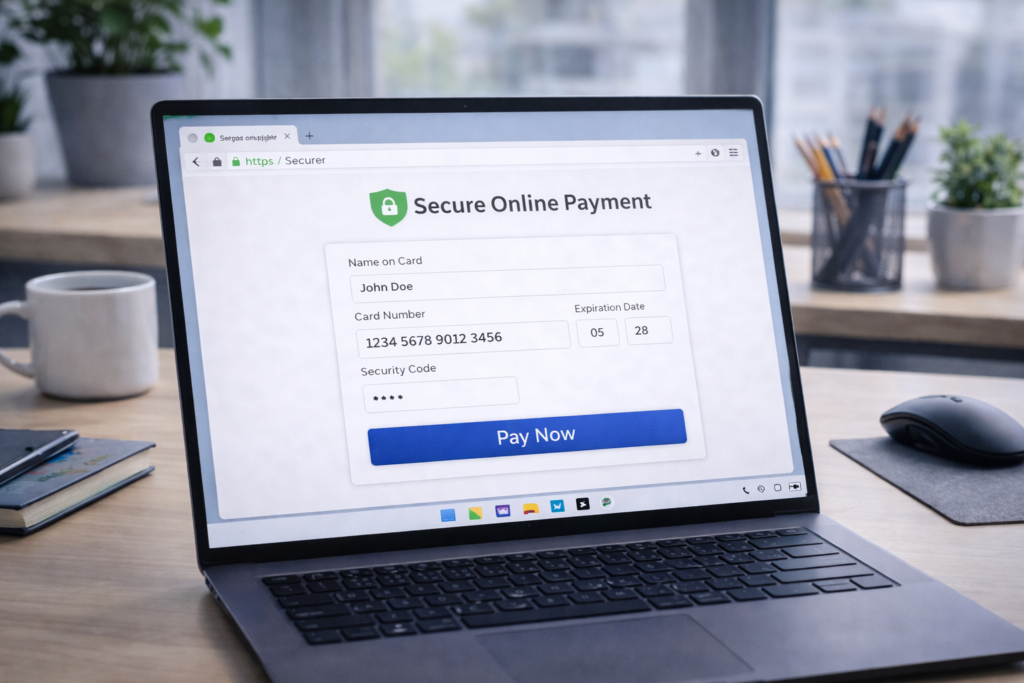
User enters card details on an unsecured website and card gets misused.
Safe Card Payment Tips:
- Use HTTPS websites
- Enable OTP verification
- Avoid saving card details on unknown sites
- Use virtual cards if available
- Never share:
- Card number
- CVV
- Expiry date
- OTP
6. Online Shopping Payment Safety
Real Scenario
A fake website offers huge discounts and disappears after payment.
Safe Shopping Tips:
- Shop from trusted platforms
- Check reviews and contact details
- Avoid direct bank transfers
- Prefer cash on delivery for unknown sellers
If the deal looks too good, it’s probably fake.
7. Payment Safety on Public Wi-Fi
Real Scenario
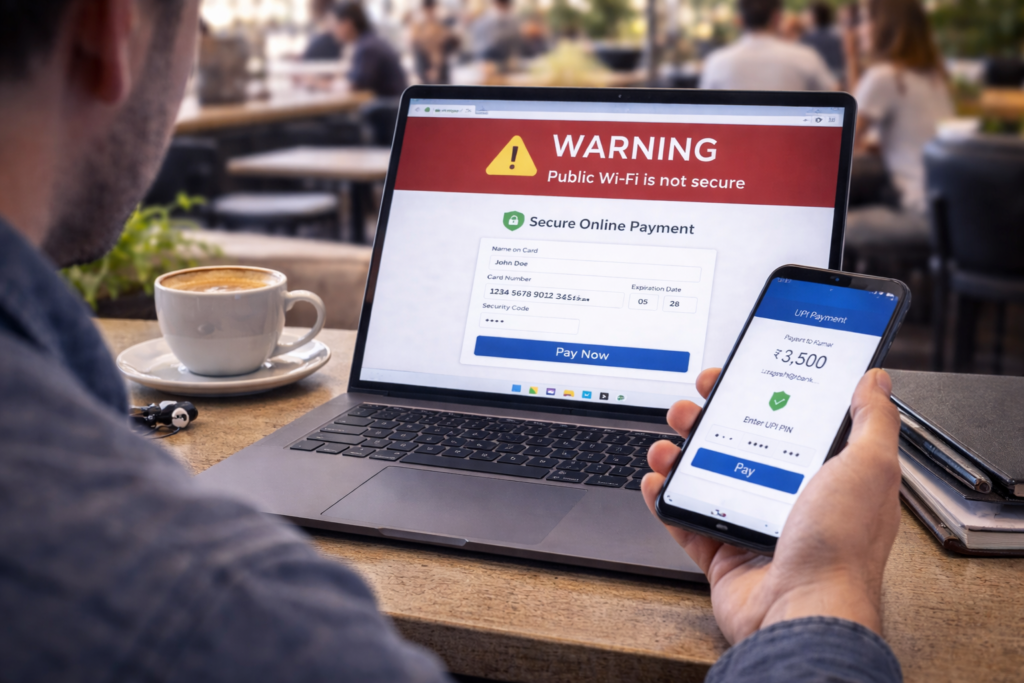
User makes UPI payment on café Wi-Fi and later faces suspicious activity.
Safe Practice:
- Avoid payments on public Wi-Fi
- Use mobile data or hotspot
- Log out after transactions
Public Wi-Fi networks are risky for financial activities.
8. Fake Refund & Cashback Scams
Real Scenario
Scammer promises refund or cashback and asks to “approve” a request.
Remember:
- Refunds do NOT require PIN
- Cashbacks are auto-credited
Never approve unknown requests for refunds.
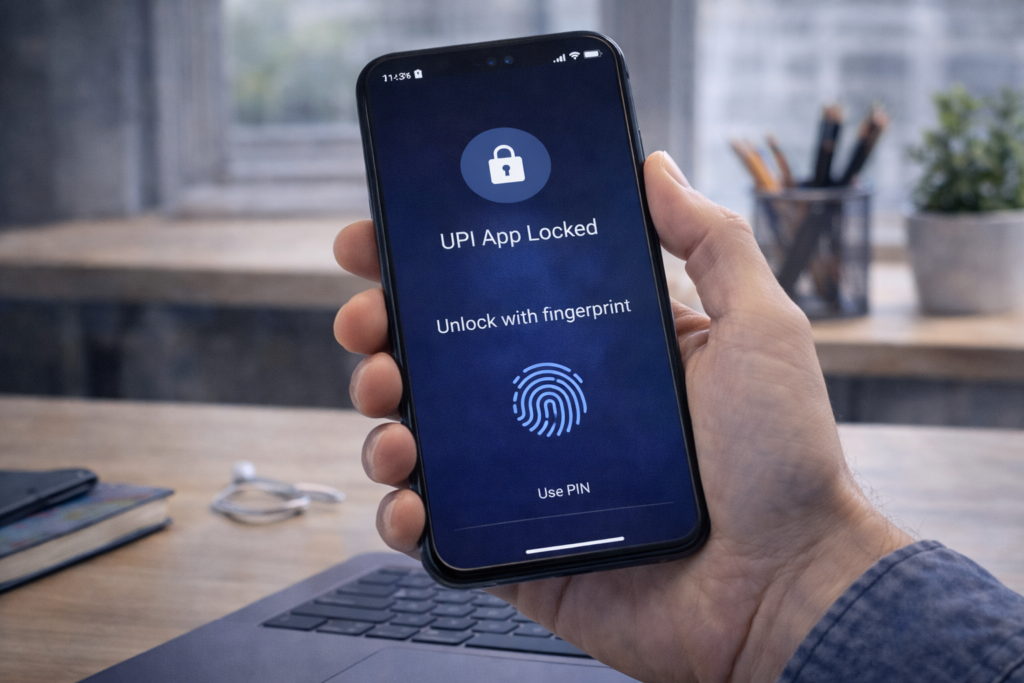
9. Secure Your Payment Apps Properly
Essential Settings:
- App lock enabled
- Phone screen lock active
- Biometric authentication ON
Real Scenario
Lost phone doesn’t lead to money loss because app lock prevents access.
10. SMS, Email & WhatsApp Payment Scams
Real Scenario
User receives SMS saying “Your payment failed, click to retry.”
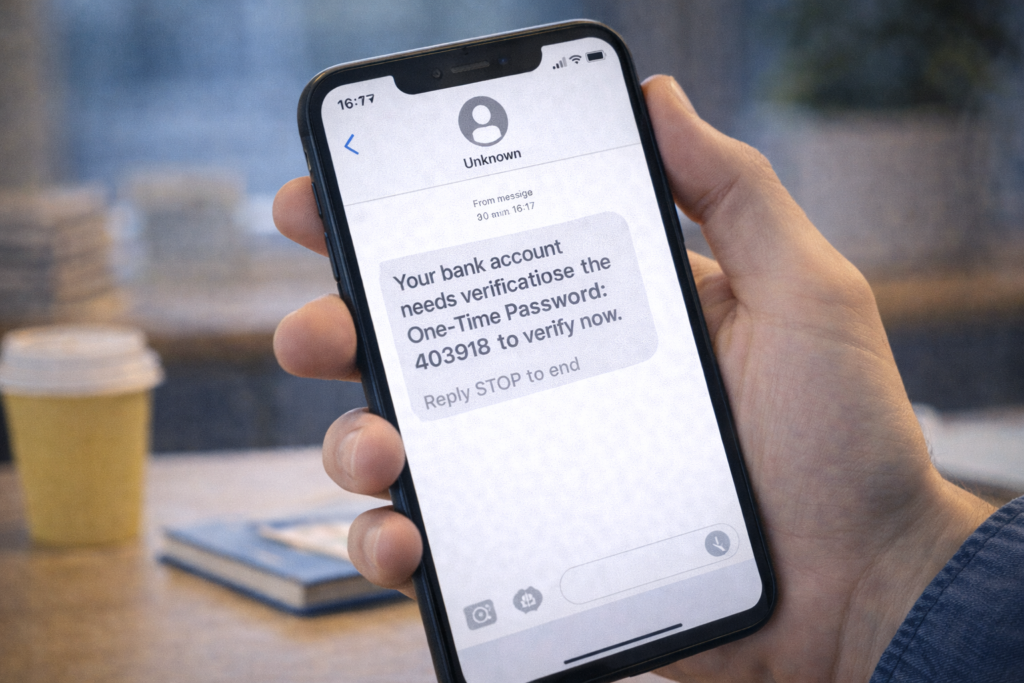
Safety Tips:
- Don’t click payment links from messages
- Open app manually
- Check sender authenticity
Banks rarely send clickable payment links.
11. Safe Internet Banking Practices
Real Scenario
User logs in from cyber café and forgets to log out.
Safe Banking Rules:
- Use personal devices only
- Always log out
- Don’t save passwords in browsers
- Enable transaction alerts
12. Protecting Senior Citizens from Payment Scams
Real Scenario
Scammers target elderly users due to lack of awareness.
Protection:
- Educate family members
- Set transaction limits
- Enable alerts
- Avoid unknown calls
Family awareness prevents major losses.
13. What To Do If You Lose Money in Online Scam
Immediate Steps:
- Call bank customer care
- Block UPI or card
- Change passwords
- Report on cybercrime portal
- Keep transaction details
Quick action increases chances of recovery.
14. Reporting Online Payment Fraud (India)
- Report to bank immediately
- File complaint on cybercrime portal
- Keep screenshots and transaction IDs
Never feel ashamed—reporting helps prevent future scams.
15. Safe Habits for Daily Digital Payments
- Double-check before paying
- Don’t rush transactions
- Keep apps updated
- Stay informed about new scams
Awareness is the strongest security.
Frequently Asked Questions (FAQs)
Q1: Can someone steal money without UPI PIN?
No. PIN is mandatory for debit.
Q2: Are QR codes safe?
Yes, if you trust the recipient.
Q3: Should I answer unknown support calls?
No. Banks don’t call for payment issues.
Frequently Asked Questions
This website provides beginner-friendly guides on computers, software, mobile apps, and cyber safety.
Yes. All articles are written in simple language with real-life examples and step-by-step explanations.
Yes, all content on this website is completely free for learning and educational purposes.