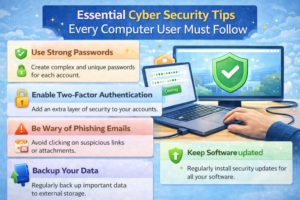
Introduction
The internet has become an essential part of our daily lives. We use it for education, work, banking, shopping, social media, and entertainment. While the internet offers many benefits, it also exposes users to online scams, fraud, identity theft, and cybercrime.
Beginners, senior citizens, students, and even experienced users often fall victim to online scams because attackers use realistic techniques that look genuine. A single careless click or shared OTP can result in financial loss or data theft.
This beginner-friendly guide explains internet safety and common online scams using real-world examples, so anyone can understand and protect themselves in 2025 and beyond.
1. Why Internet Safety Is Important for Everyone
Real Scenario
A normal user receives a message saying their bank account will be blocked today. Panic leads them to click a link and enter details, resulting in money loss.
Internet Risks Include:
- Online fraud
- Identity theft
- Fake websites
- Malware infections
- Financial scams
Internet safety is not about fear—it’s about awareness and smart habits.
2. Phishing Scams (Most Common Online Scam)
What Is Phishing?
Phishing is a scam where attackers trick users into sharing passwords, OTPs, or bank details through fake emails, messages, or websites.
Real Scenario
An email looks exactly like a bank message asking to “verify your account urgently.”
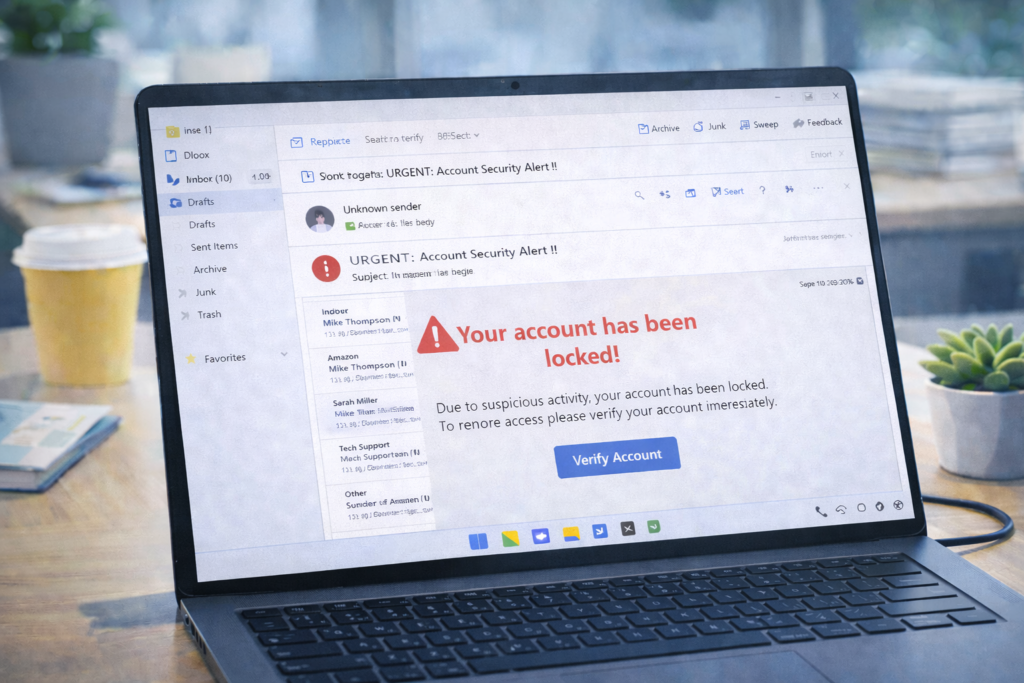
How to Identify Phishing:
- Urgent warnings
- Unknown sender
- Suspicious links
- Spelling mistakes
Safety Tips:
- Never click links from unknown emails
- Always check website URL carefully
- Banks never ask for OTP or passwords
3. Fake Website & Duplicate Login Page Scams
Real Scenario
A user searches “Facebook login” on Google and clicks a sponsored fake link that looks identical to the original site.
Dangers:
- Password theft
- Account takeover
- Data misuse
Protection:
- Always type website address manually
- Check HTTPS and domain spelling
- Avoid logging in through shared links
4. Online Shopping Scams
Real Scenario
A fake website offers branded products at extremely low prices. Payment is done, but the product never arrives.

Red Flags:
- Huge discounts
- No contact details
- No return policy
- Poor website design
Safe Online Shopping:
- Use trusted platforms
- Read reviews
- Avoid prepaid payments on unknown sites
5. Social Media Scams
Real Scenario
A fake profile pretending to be a friend asks for money urgently.
Common Social Media Scams:
- Fake giveaways
- Impersonation profiles
- Romance scams
- Investment scams
Safety Tips:
- Verify profile authenticity
- Don’t share personal info publicly
- Enable privacy settings
6. Online Job & Work-From-Home Scams
Real Scenario
A message promises high income with no skills and asks for registration fees.
Signs of Job Scams:
Asking for money upfront
No official website
WhatsApp-only communication
Protection:
- Genuine jobs never ask for fees
- Research company details
- Avoid unrealistic offers
7. UPI, Banking & OTP Scams
Real Scenario
A scammer pretends to be customer support and asks for OTP to “fix” an issue.
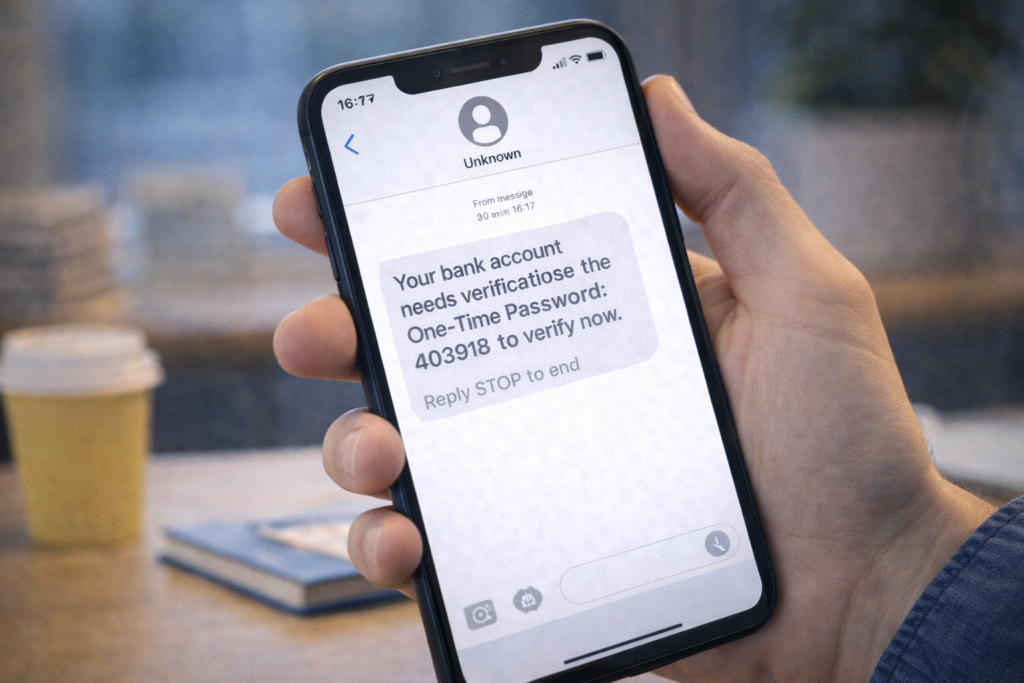
Important Rule:
Never share OTP, CVV, PIN, or passwords with anyone.
Safe Banking Tips:
- Use official banking apps
- Enable transaction alerts
- Contact bank via official numbers only
8. Lottery, Prize & Gift Card Scams
Real Scenario
User receives an email saying they won a lottery they never entered.
Reality:
You can’t win something you didn’t participate in
Avoid:
- Paying “processing fees”
- Sharing ID documents
Ignore and delete such messages.
9. Malware & Fake Software Downloads
Real Scenario
User downloads cracked software and unknowingly installs malware.
Risks:
- Data theft
- Slow system
- Ransomware
Protection:
Download software from official sites
Avoid pirated software
Use Windows Security antivirus
10. Public Wi-Fi Risks
Real Scenario
User logs into bank account using free public Wi-Fi at a café.
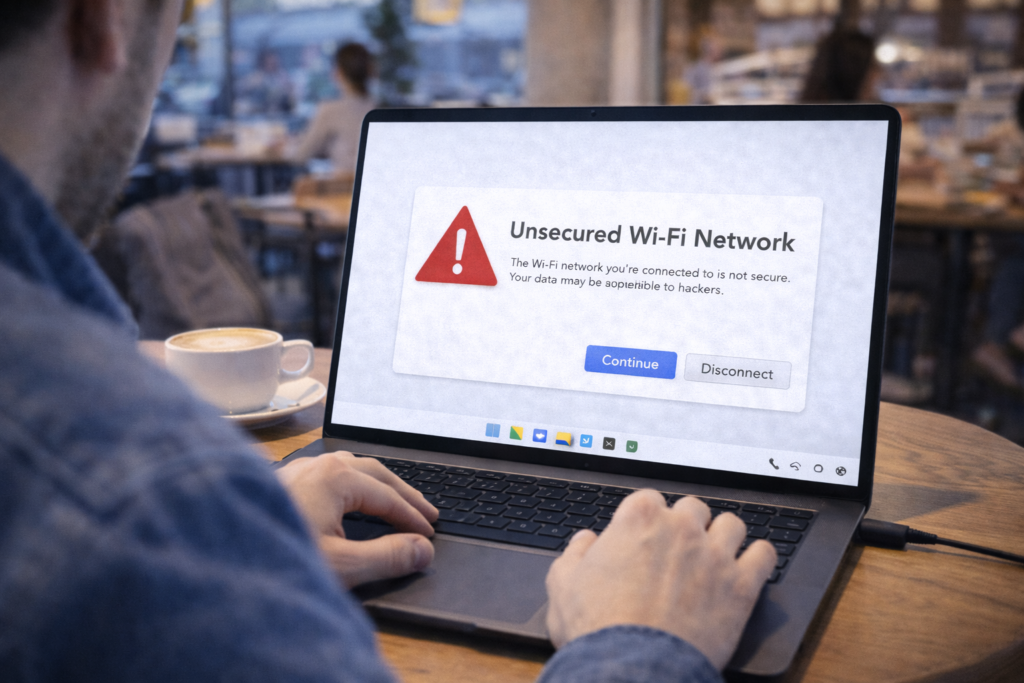
Dangers:
- Data interception
- Account hijacking
Safe Practice:
- Avoid sensitive activities on public Wi-Fi
- Use mobile hotspot
- Log out after use
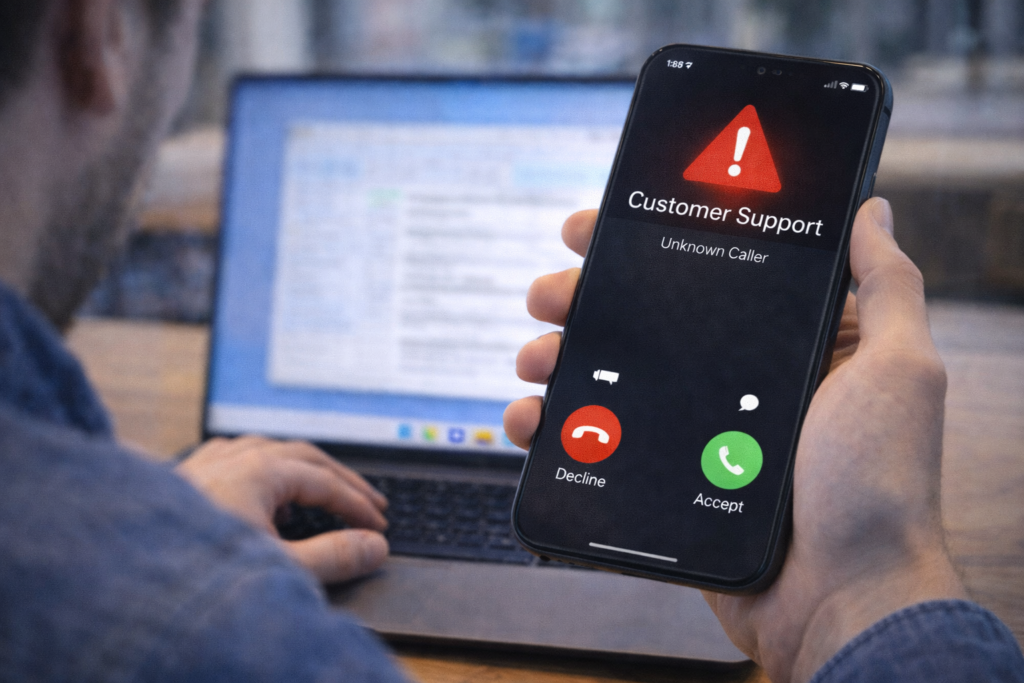
11. Fake Customer Support Calls
Real Scenario
Caller claims to be from “technical support” and asks to install remote software.
Truth:
Legit companies don’t make unsolicited support calls
Protection:
- Never allow remote access
- Hang up suspicious calls
- Block and report numbers
12. Identity Theft & Personal Data Protection
Real Scenario
User shares Aadhaar/PAN image online and later faces misuse.
Protect Your Identity:
- Don’t overshare personal info
- Mask ID details when sharing
- Store documents securely
13. Safe Password Practices
Real Scenario
Using the same password everywhere leads to multiple account hacks.
Best Practices:
- Use strong, unique passwords
- Enable two-factor authentication
- Use password manager if needed
14. Children & Internet Safety
Real Scenario
Children access unsafe content or chat with strangers unknowingly.
Protection:
- Enable parental controls
- Educate children
- Monitor screen time
Internet safety education is essential for families.
15. What To Do If You Get Scammed
Immediate Actions:
- Disconnect internet
- Change passwords
- Contact bank immediately
- Report to cybercrime portal
Early action reduces damage.
Frequently Asked Questions (FAQs)
Q1: Can antivirus stop all scams?
No. Awareness is more important than software.
Q2: Are mobile users also at risk?
Yes. Mobile scams are increasing rapidly.
Q3: Is sharing OTP ever safe?
No. Never share OTP with anyone.
Frequently Asked Questions
This website provides beginner-friendly guides on computers, software, mobile apps, and cyber safety.
Yes. All articles are written in simple language with real-life examples and step-by-step explanations.
Yes, all content on this website is completely free for learning and educational purposes.